

A client approval process defines what must be reviewed, the current version, the decision criteria, the authorized approver or approval gates, and the review window. It also gives you a way to handle conflicting feedback and missed decisions.
A freelancer may need only an email and a shared document. A larger agency may need a dedicated workflow. In both cases, software cannot replace clear decision ownership, and no process can guarantee a response on time.
Separate reviewers from the approver
Reviewers contribute feedback. The approver decides whether the deliverable meets the agreed requirements and can move forward.
One person may perform both roles on a small project. When several people review, name who consolidates their comments and resolves conflicting requests.
Without that distinction, a freelancer can receive incompatible instructions while everyone assumes somebody else is making the decision.
Before production, ask:
Who can confirm the final direction, and who should contribute specialist feedback before that decision?
Include relevant stakeholders without requiring every person to approve every minor change.
Define acceptance criteria when agreeing on client expectations, so the review has a shared basis.
Define what approval means at each stage
Approving a concept is different from approving a finished deliverable. State the review purpose so the client evaluates the right things.
| Stage | What the client reviews | What remains open |
|---|---|---|
| Direction | Core approach against the brief | Detailed production |
| Draft | Content or functionality against requirements | Included revisions and final checks |
| Final version | Agreed acceptance criteria and completion | Handoff tasks explicitly listed as remaining |
Adapt the stages to the project. Avoid adding approvals that do not change a decision or reduce a meaningful risk.
An early approval does not automatically authorize a later scope addition. Identify the version and the decision it covers.
Send a review package the client can use
A useful approval request contains the deliverable, the review purpose, the relevant criteria, the decision requested, and the agreed date.
For a fictional content project:
Subject: Service-page draft v3 — factual approval requested by Thursday
Please review the linked version 3 against the confirmed service details. This review is for factual accuracy and offer clarity; visual layout will be reviewed in the next stage.
Please approve the copy or provide one consolidated list of required corrections by Thursday at 3 p.m. New York time. If another reviewer must contribute, please include their comments in that response.
If that window is not feasible, let me know so we can discuss the production sequence before layout begins.
This example does not treat silence as approval or make disagreement difficult. It makes the requested decision explicit.
Agree review windows before relying on them
Choose windows that fit the client's workload, project complexity, and stakeholder availability. A one-day review might fit a short factual correction and be unrealistic for a complex design involving several departments.
Confirm the window at kickoff rather than announcing a deadline for the first time when you send the work.
Explain which downstream activities depend on the decision. If the client misses the window, discuss the schedule effect instead of assuming an automatic extension will preserve your availability.
Do not start irreversible or costly downstream work merely because a client has not objected. Any arrangement about deemed approval requires suitable agreement and may have legal implications; silence should not casually be treated as consent.
If feedback introduces a new requirement, use the scope-change process rather than treating every comment as an included revision.
Plan for absences and conflicting feedback
If the approver will be unavailable, agree whether an authorized backup can decide or whether the schedule should move. A backup who can comment but cannot authorize the decision does not solve the bottleneck.
For conflicting feedback, return the decision to the named owner:
The two requested changes lead to different versions of the page. Please confirm which direction takes priority before I revise it. I can explain the trade-offs if helpful.
Do not silently choose whichever reviewer replied last.
Teamwork's approval-workflow guidance discusses ownership, versions, escalation, and decision records. If you use software, check how the relevant plan handles your review and approval needs. The tool cannot resolve an unclear arrangement about who has authority to decide.
If the pending decision affects a milestone, send a client project update explaining the dependency.
When the approval deadline passes
First confirm that the client received a complete review request and can access the correct version. If your link was broken or the criteria were missing, repair that before treating the delay as a client failure.
If the request was usable, explain which work depends on the decision and ask for a feasible response point:
Version 3 is still awaiting factual approval. Layout depends on that decision, so the original handoff date now needs review. Can the authorized reviewer confirm approval or consolidated corrections by Tuesday? I will then confirm the next available production slot.
Continue independent work only where it remains useful and authorized. Keep the pending approval visible, and do not mark it complete to make the dashboard look healthier.
If the reviewer needs more time, discuss the downstream effect rather than promising to recover the delay automatically. If the original owner is unavailable, a replacement needs authority to make the particular decision—not merely access to the file.
Before execution starts, include the approval requirement in the delivery readiness check.
Keep a small, reliable decision record
For each important approval, preserve the deliverable version, decision, approver, date, and any conditions. Store it with the project record.
“Looks good” may be enough in context for a minor item, but it can be ambiguous for a final sign-off. If the meaning is unclear, confirm it:
To confirm, are you approving version 3 for final handoff, with no further content changes required?
Keep conditional approval visible. “Approved once the product name is corrected” should not be recorded as an unconditional completion until that condition is resolved.
Approval matrix: specialist checks before final release
Hypothetical example: a service-page project requires a service owner’s factual approval and a brand review before the authorized project sponsor can release the final version. These are distinct decision rights, not a vote among all commenters.
| Deliverable / version | Purpose / reviewers | Authorized approver / due | Decision / conditions | Closure evidence / next action |
|---|---|---|---|---|
| Service copy v3 | Service facts; service and delivery reviewers | Service owner; November 3, 2026, 3 p.m. | Conditional approval: correct the support-hours statement. | Correction recorded in v4; service owner confirms the condition is satisfied on November 4, 2026, 10 a.m. |
| Service copy v4 | Brand terminology; brand reviewer | Brand lead; November 4, 2026, noon | Approved for brand wording only. | Approval references v4; no factual decision is implied. |
| Release package v4 | Both specialist checks complete; project sponsor reviews release readiness | Project sponsor; November 4, 2026, 3 p.m. | Final release authorized after both required checks. | Freelancer records the authorization and starts the agreed handoff. Any later material change returns to the affected approval gate. |
Before attributing a missed review to the client, verify access to the exact version, the complete request and the agreed review window. Record a conditional decision as open until its closure evidence is present; a corrected file alone does not prove the condition was accepted.
Reuse the record: identify Deliverable/Version, Review Purpose, Reviewers, Authorized Approver(s), Due Date/Time Zone, Decision, Conditions, Condition Closure Evidence and Next Action for each required gate. Keep the project version history beside it.
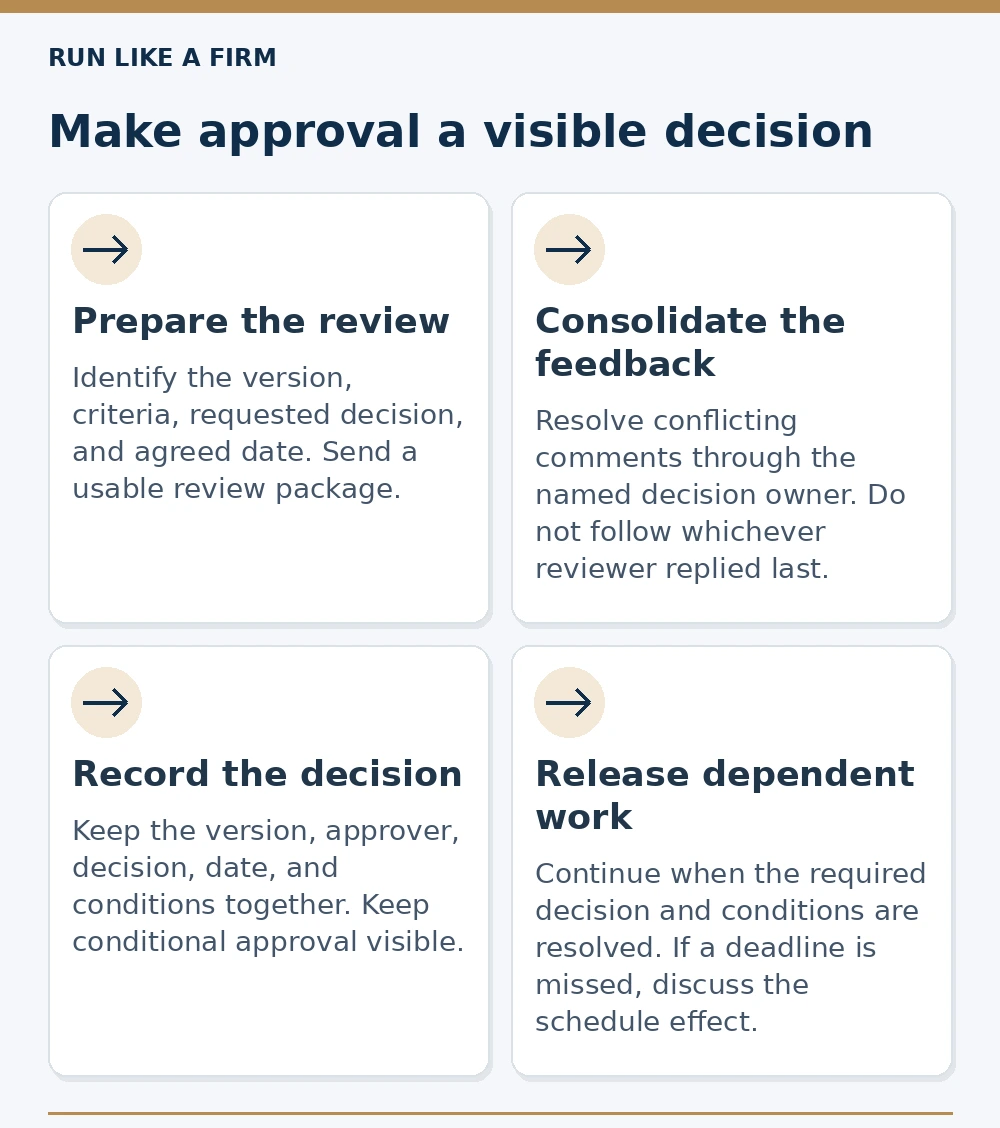
Read the decision map as text
- Prepare the review: Identify the version, criteria, requested decision, and agreed date. Send a usable review package.
- Consolidate the feedback: Resolve conflicting comments through the named decision owner. Do not follow whichever reviewer replied last.
- Record the decision: Keep the version, approver, decision, date, and conditions together. Keep conditional approval visible.
- Release dependent work: Continue when the required decision and conditions are resolved. If a deadline is missed, discuss the schedule effect.
Reviewers provide feedback; the authorized approver decides. Silence is not automatic approval. Check access and request clarity before escalating a delay.
Connect the approval rule to the service business operating system and its handoff checks.
Measure the friction, not just the number of reminders
If approvals repeatedly stall, look at where the time is spent. Separate time awaiting client feedback from time spent correcting your own incomplete review package.
Useful records include the date a complete request was sent, when a usable response arrived, and why another round was needed. There is no universal good approval time for every project.
Before adding automation, ask whether the request was understandable, the right person received it, and the review window was feasible. An automated reminder cannot supply missing authority or acceptance criteria.
Use the simplest arrangement that handles your project
An email and shared document may work for one client and a few decisions. A dedicated workflow becomes more relevant when versions, reviewers, projects, or audit requirements multiply.
Test any tool from the client's perspective: can they find the version, understand the request, comment without unnecessary friction, and record a decision? Check permissions as well as convenience.
For the next deliverable, name the decision owner and review criteria before sending it. That small change will tell you more about the approval problem than sending another generic “Any updates?” message.